Quick scans, built into the home screen
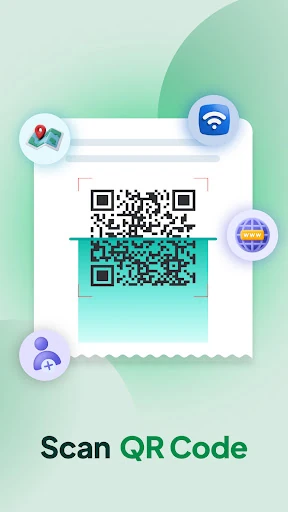
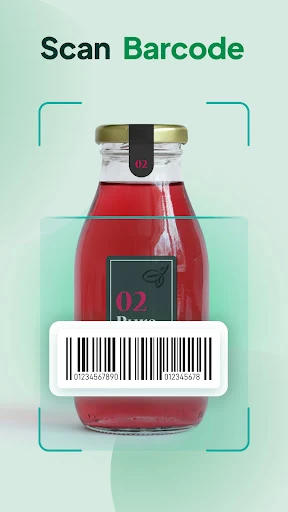
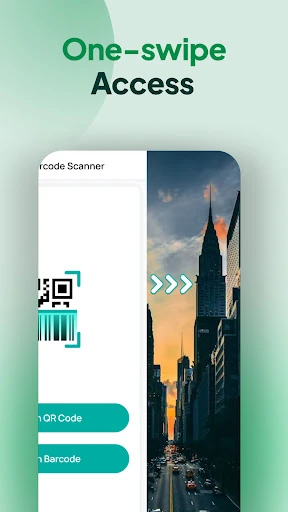
QR & Barcode Scanner Launcher scans QR codes and barcodes, with access designed around a home-screen swipe rather than opening a separate scanner app. It suits people who scan codes often and want the tool close at hand. AtomApplications’ app has 5,000,000+ installs and a 4.27 rating from 30,203 ratings.
The trade-off is changing your launcher
This is not just a scanner shortcut: it replaces your usual home-screen experience with a launcher that includes scanning, widgets and themed wallpapers. A right-swipe gesture opens scanning, which can save a few steps when you use it regularly. If you are happy with your current layout or only scan occasionally, giving up that familiar setup may feel like more change than the scanner is worth.
Useful after the scan, too
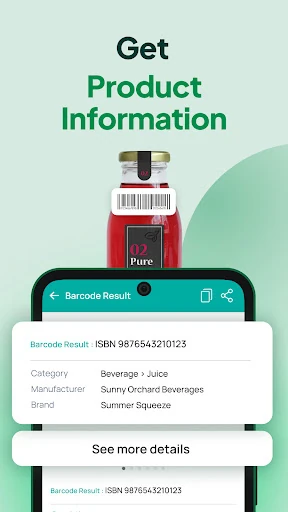
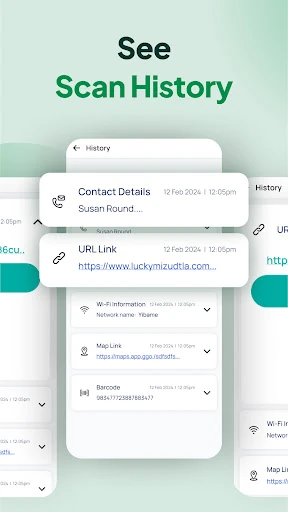
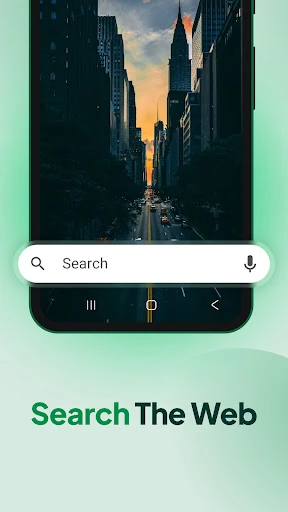
The app keeps a scan history and can copy scan results to the clipboard, making it easier to return to something you scanned or use its contents elsewhere. Sound and vibration feedback can signal a successful scan. Search is also built into the launcher and uses Yahoo. These extras may suit someone who wants scanning and basic home-screen tools together, but they make the app a broader launcher choice rather than a single-purpose reader.
Who should consider it?
Choose it if scanning is a frequent task and you are willing to adapt your home screen to make that task quicker. Skip it if you mainly need an occasional QR read, prefer to keep your existing launcher, or want a scanner that stays separate from your everyday home screen. Its main appeal is convenience through integration; that same integration is the main thing to weigh before switching.