
Advertisement
Click to download now, finish the installation quickly, and directly unlock the all-round experience
Advertisement
Screenshots
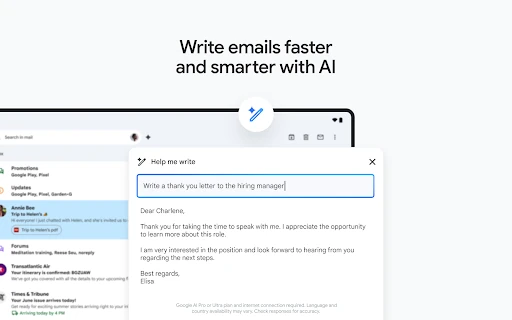




Click to download now, finish the installation quickly, and directly unlock the all-round experience
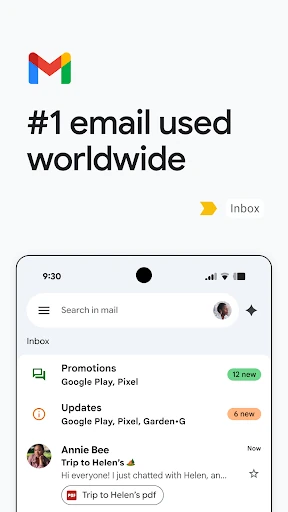
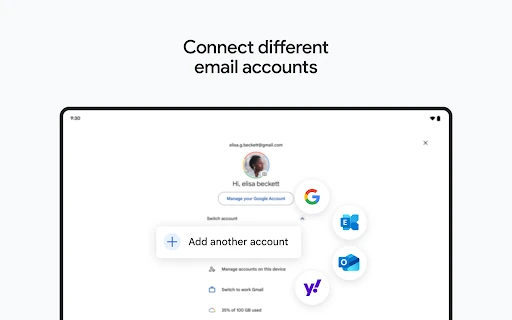
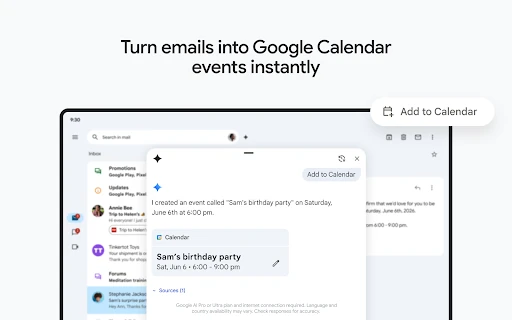
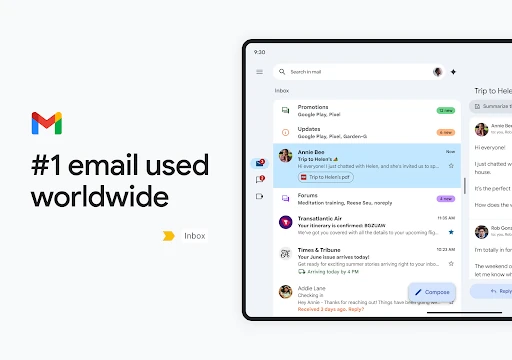
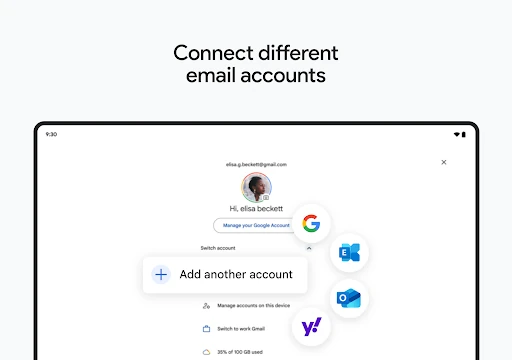
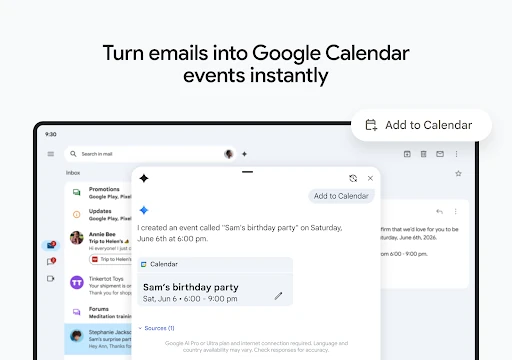
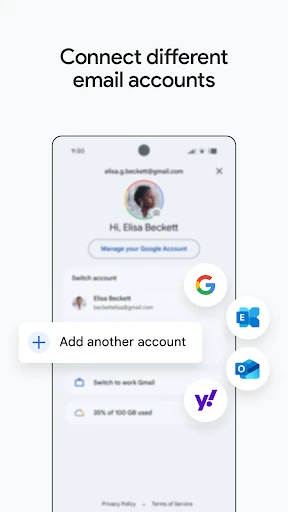
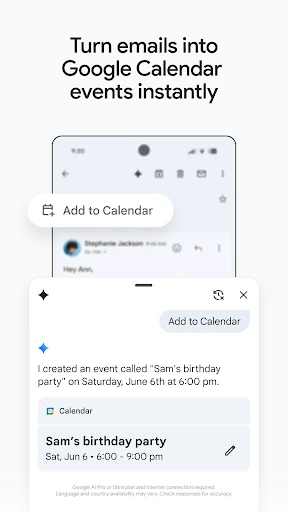
Gmail is Google’s email app for reading, sending and organising messages across one or more accounts. It suits people who want a familiar inbox on their phone, especially if they already use Google services and want email to sit alongside tools such as Calendar and Meet. You can also add accounts from other email providers, so it need not be limited to a Gmail address.
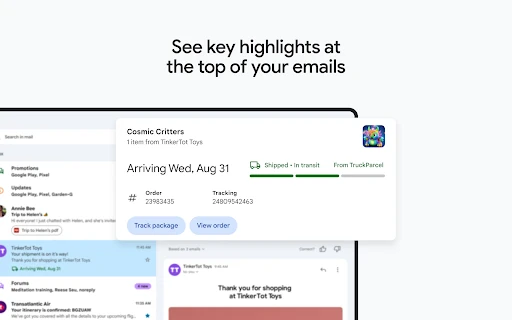
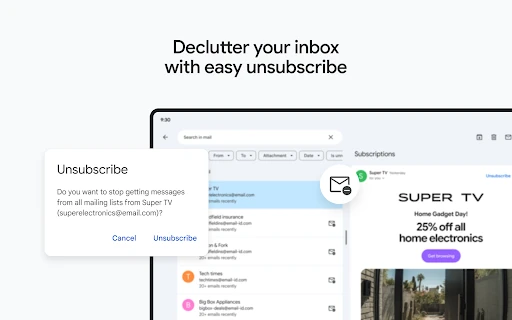
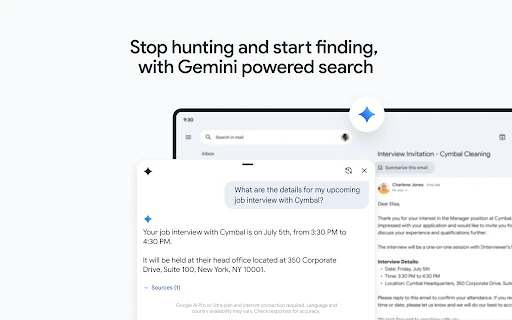
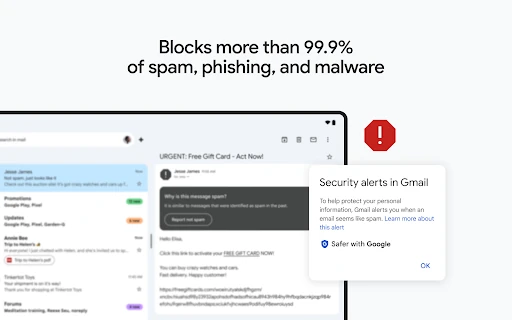
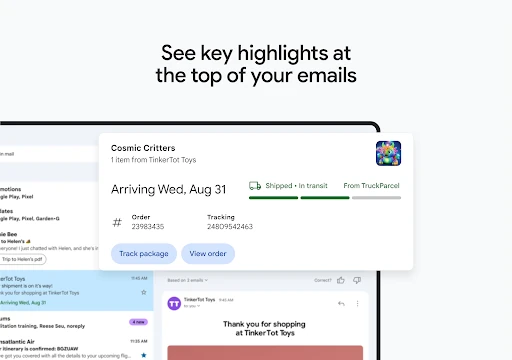
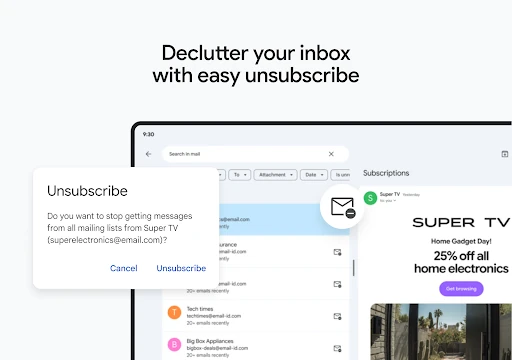
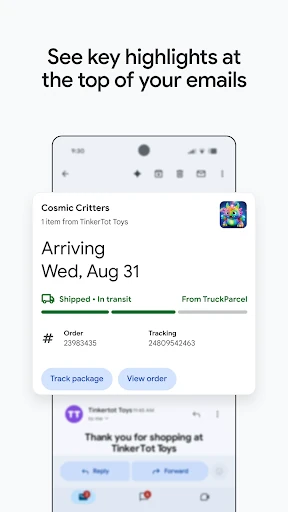
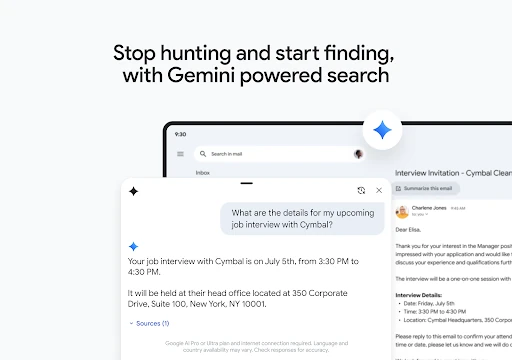
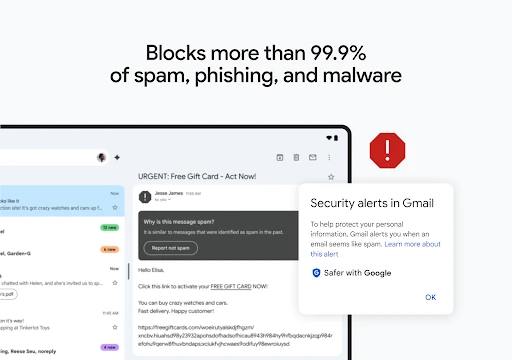
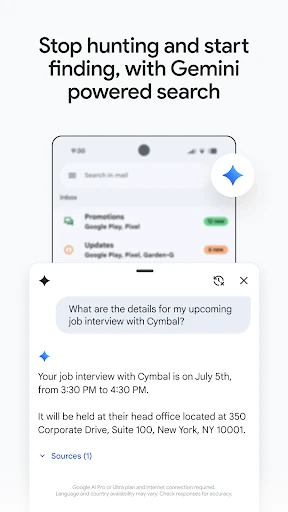
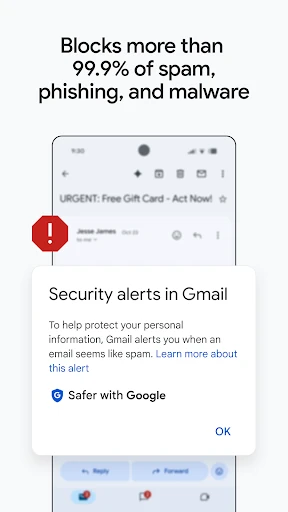
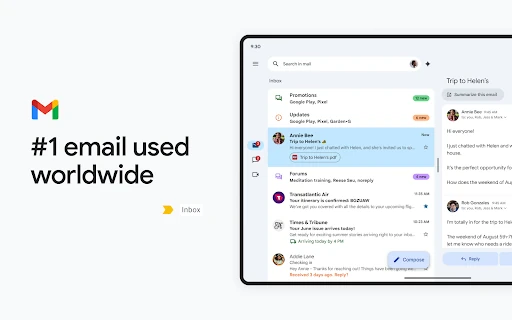
Search is a practical strength: it can help you retrieve an old message without scrolling through every conversation. Spam filtering and tools for sorting or archiving mail can make a crowded inbox easier to manage. Gmail also surfaces some useful details from messages, such as travel or delivery information, which can save a little digging.
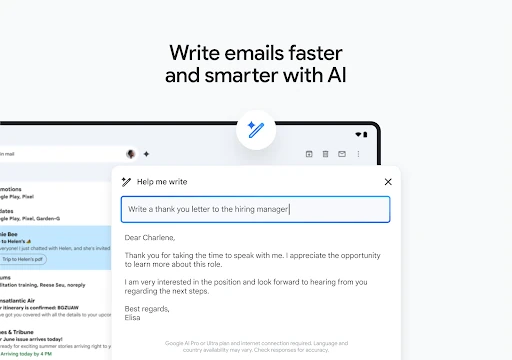
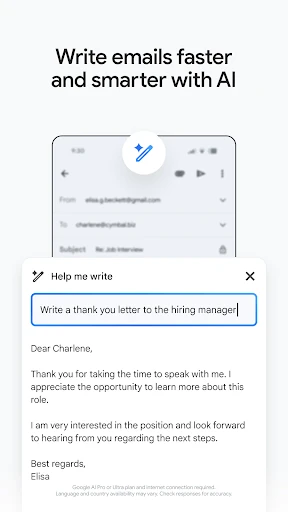
That makes it a sensible choice for people who handle work, personal and account-related email from the same device. It is less compelling if you want a very stripped-back mail app, or if you would rather keep Google services out of your routine. The app includes more than the basic inbox, and its extra services and settings may take some exploring.
Choose Gmail if you want a capable everyday inbox with good search, account flexibility and useful connections to Google’s other services. If your priority is simply reading and sending mail with as little around it as possible, a more focused email app may suit you better.